




Why Design and Manufacturing Belong Together
SPONSORED CONTENT
There was a time when design, engineering and manufacturing software platforms were disconnected. That, however, is not the best way forward. Today, choosing the right integrated CAM software can help shops realize efficiencies and savings that directly improve the bottom line. Easy-to-use programs that demonstrate adaptability, to the part and personnel (engineers and operators alike), deliver return on investment that only snowballs over time.
This is especially true in a job shop environment and the world of high speed machining (HSM)–one of the more-popular tactics shops are employing to meet the demands of modern manufacturing. High spindle and feed speeds combine with light depths of cut to work effectively with the design and in turn deliver parts on time. That said, taking full advantage of a spindle so equipped is only possible with dynamic software, equally designed and powered for HSM.
Here are a few of the impressive ways integrated CAM software can make HSM work dramatically more profitable.
Reduced roughing time and extended tool life
Traditional rouging passes are built on a series of offset passes coming out from the geometry. Regardless of what the offset is, the tool will see increased engagement going into internal corners and driving into slots. The resulting load spikes are when a tool is most prone to breakage. Traditional programmers take a light depth of cut. Unfortunately, this technique overuses the bottom of the cutter. Software functions, like Autodesk’s Adaptive Clearing, work to maintain a constant load, allowing for deeper cuts and engagement of the mill’s full flute. This not only extends the tools life, but makes calculating feeds and speeds simple because of the constant radial load.
Fewer errors and less spindle downtime
Many new machine tools are now equipped with electronic measuring probes. Efficiently and effectively taking advantage of these is best accomplished interfacing a mill with the right software. Dedicated probing functions, like those found in Autodesk’s Inventor HSM and HSMWorks, can perform functions like locating and aligning parts, finding bore centers, verifying multi-fixture setups and quality control faster and more accurately than ever before.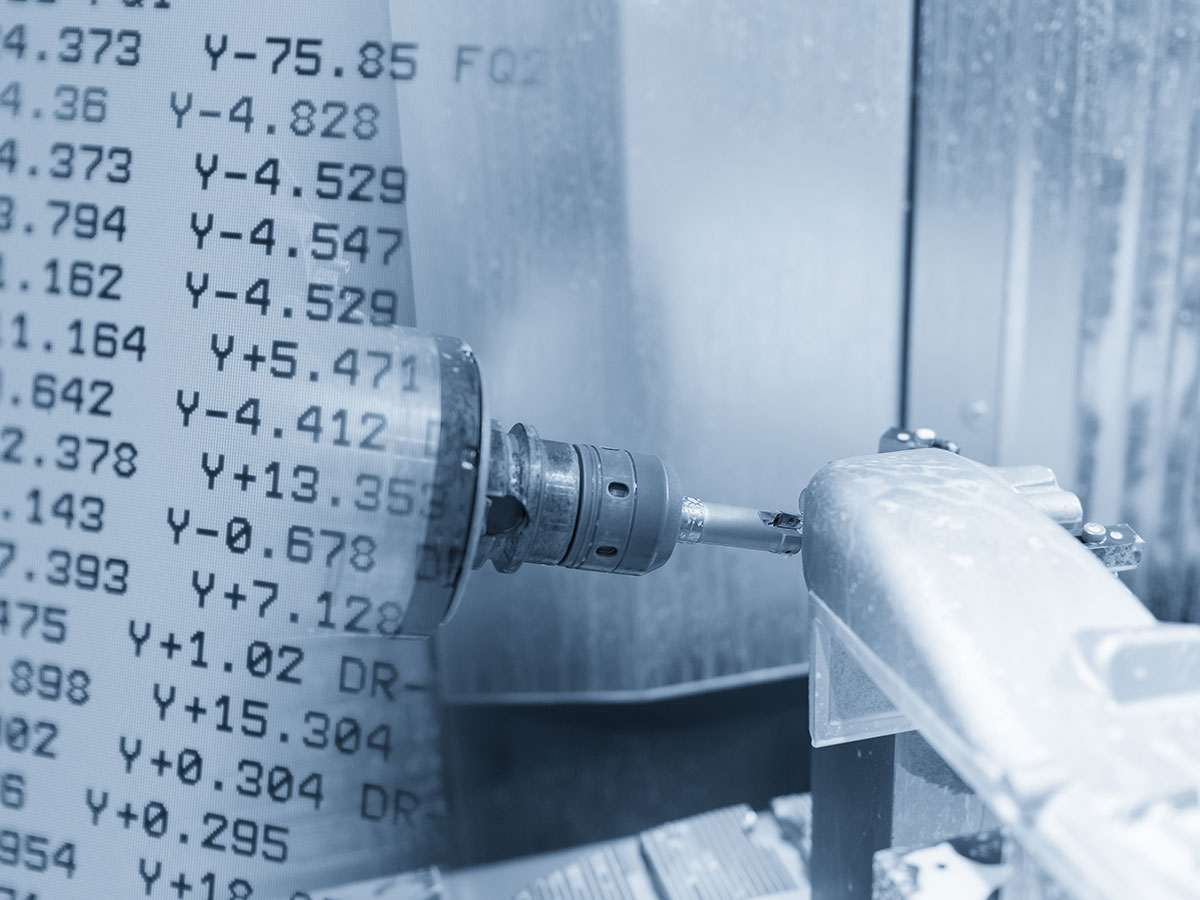
Streamlined workflows and data management
Software like Autodesk Inventor HSM allows shops to maintain associativity with virtually any non-native CAD format. A feature called AnyCAD eliminates worry about updates to a CAD model getting lost in translation when transferred to the CAM. Since parts and cutter paths update automatically, data management reaches new levels of organization; tracking down engineering changes become a thing of the past and tool path simulations allow users to see what they’ll be machining long before posting files.
Unprecedented operational integration
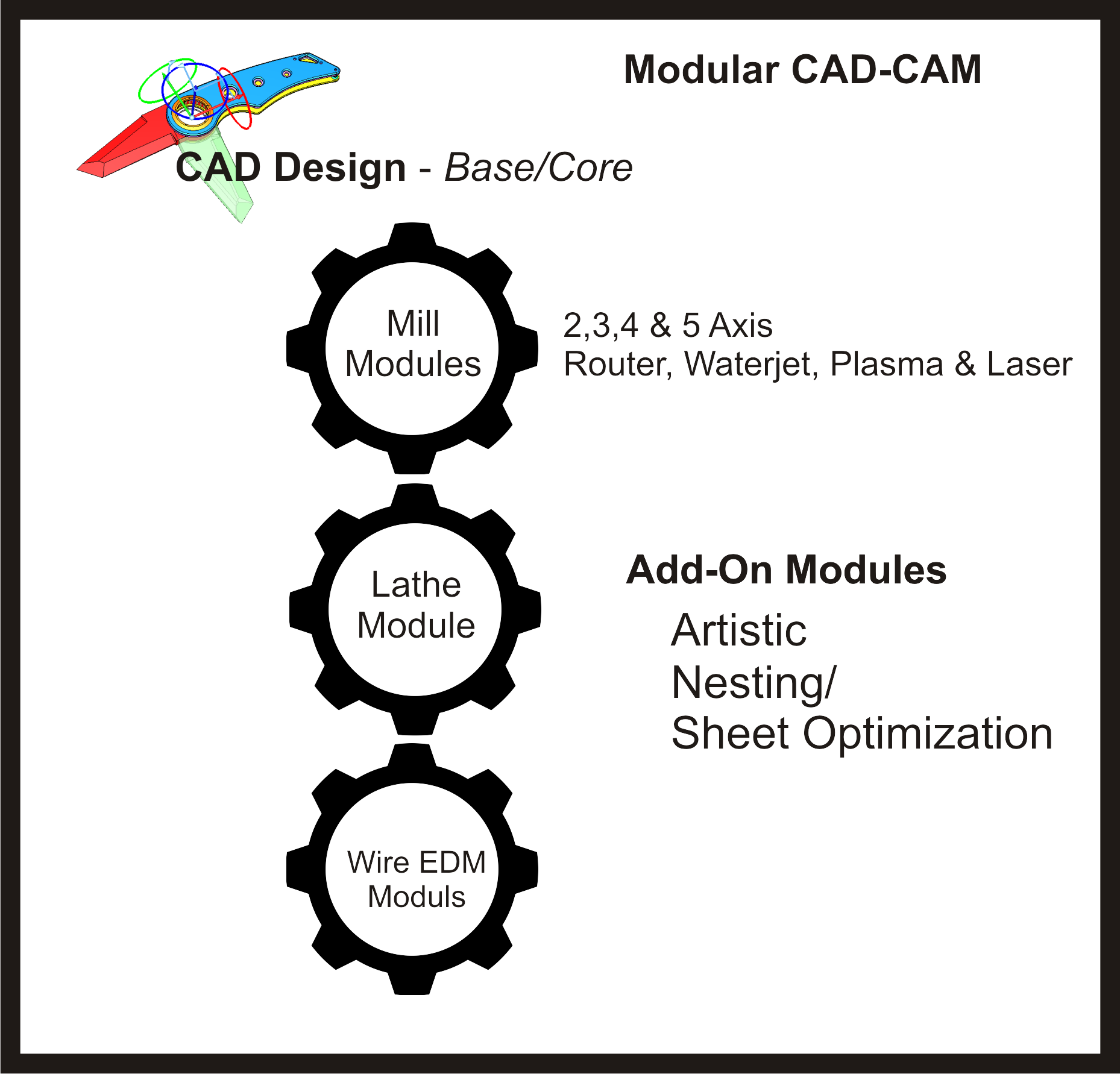
Shops have made it clear that an integrated CAD/CAM solution is far more preferable than switching back and forth between the software. Autodesk products, like Inventor HSM and HSM Works, provide the same 2-axis, 3-axis, 3+2-axis and 5-axis milling as well as turning and mill-turn functionality. What’s more, user customizable tool libraries and unlimited machining templates make systems adaptable to any shop’s work style and throughput.
Use the best tool every time
The ability to include the tool holder in cutter path calculation helps ensure cutter paths are safe and collision-free, not just for the tool, but also the holder. Options to pull away, detect tool length, trim or stop calculating provide the flexibility to match the best tool lengths to the part; using shorter tools whenever possible and longer ones only when absolutely necessary reduces deflection and vibration. Additionally, this protects expensive equipment and offers peace of mind in unattended operations.
To sum up, there was a time when design, engineering, and manufacturing were more disconnected processes. With Inventor HSM and HSMWorks, available as part of Autodesk Product Design & Manufacturing Collection, you can bridge the gaps and have it all for less.
Watch quick videos about software capabilities like these and many others from Autodesk here.